






Observe and fix AI in production
Trace agent loops, evaluate live traffic, and get alerted when cost, latency, or quality slips. Self-driving uses this context to automatically make improvements and fix issues.
Install with AI in a single prompt
Paste into your terminal or code editor and make AI do the work.
The old way to run AI in production
Your AI fails quietly – a hallucination here, a failed tool call there. Traces tell you what it did, but you have to go read them, one by one.
Just to make a simple fix, you have to read the traces, spot the pattern, and figure out which change broke it – it's logs with a different schema.
The PostHog way
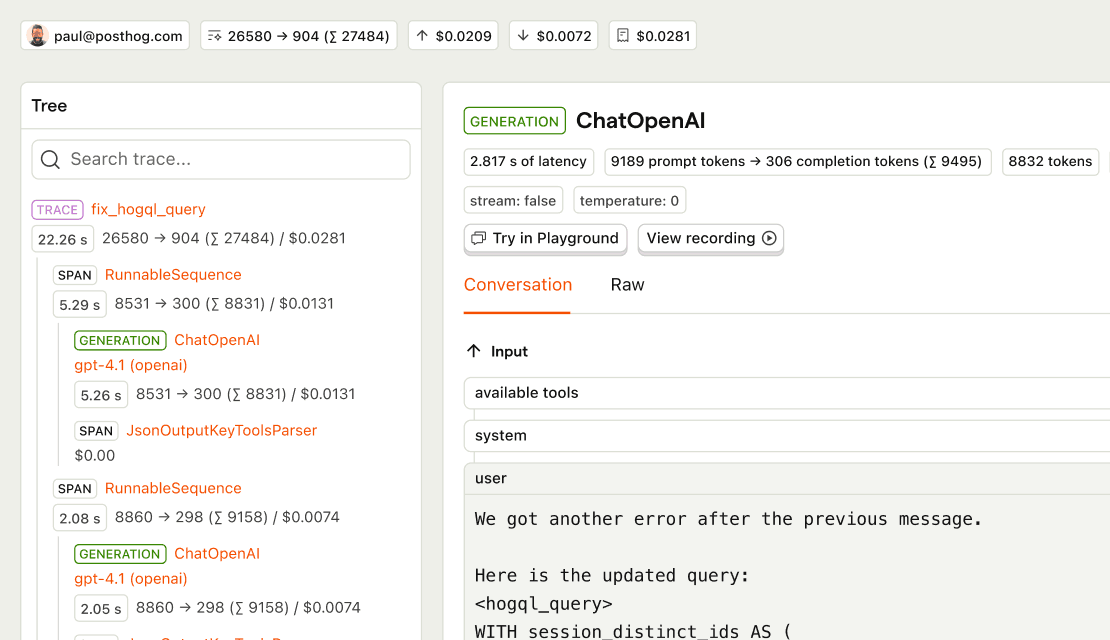
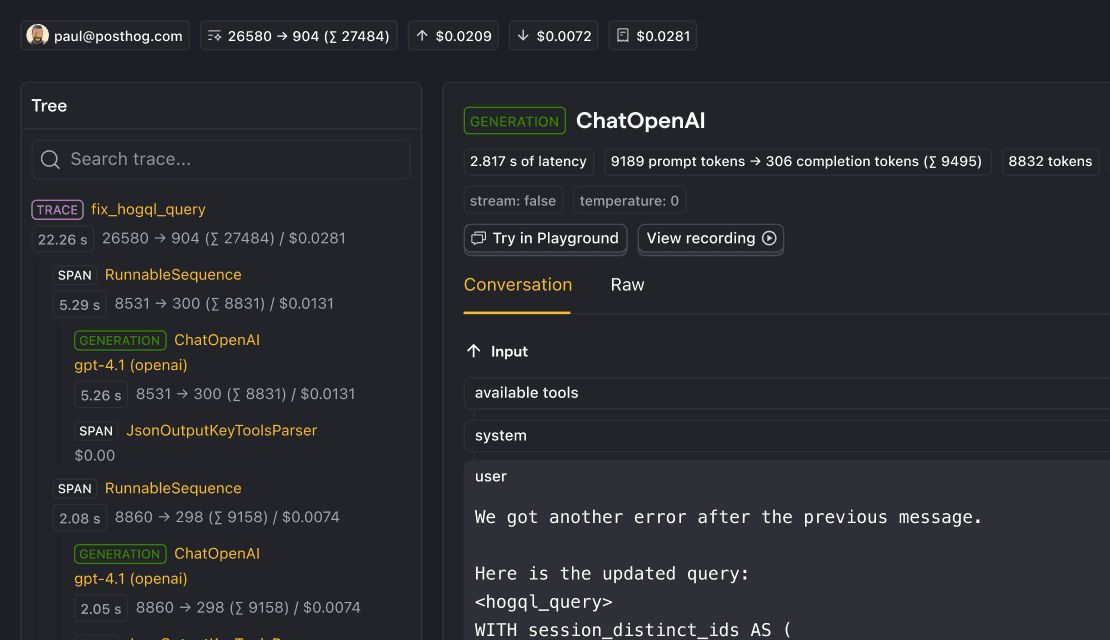
AI Observability captures the full context of each trace and connects it to other PostHog products (like Session Replay). Evals score your live traffic and anomaly alerts tell you when things are not normal, so regressions in tool calling, response quality, or latency automatically turn into signals.
With each regression, an agent investigates and creates a report in your Inbox. When there's code to fix, it opens a pull request. Your AI improves while you sleep.
Who is it for?
Different teams pull different answers from the same LLM data.
How do I use it?
There are a few ways to explore AI Observability.
Query LLM traces from your editor
Check LLM costs, monitor errors, and analyze model performance from Cursor, Claude Code, VS Code, or any MCP-compatible agent.
Top features
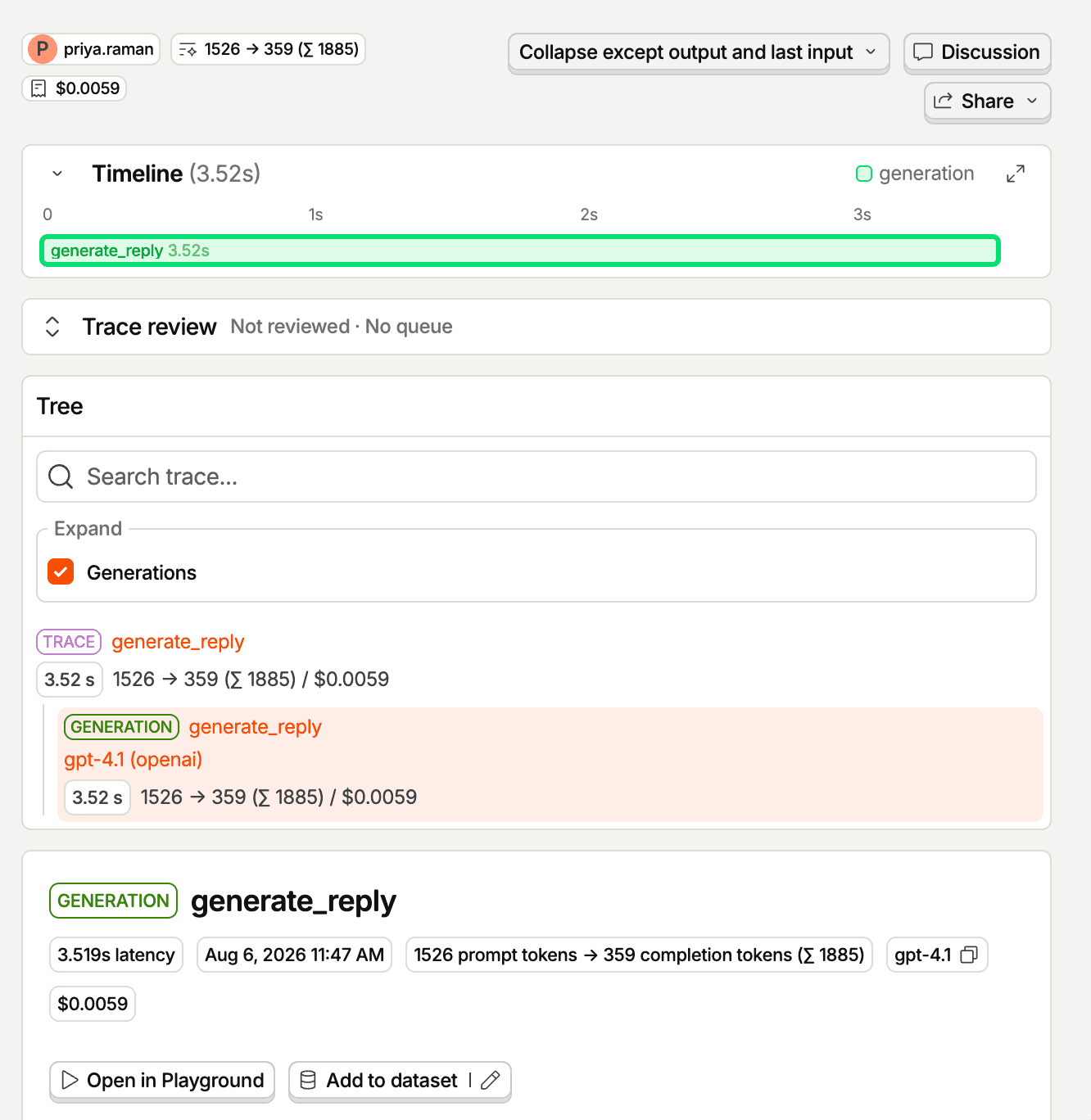
Trace every conversation end to end
Debug entire conversations, not just individual calls. Every trace is a timeline of its generations and spans, with the person, total cost, and total latency attached.
AI prompts
Ask PostHog AI to check what your LLM calls cost, dig into traces, and compare models. Works in PostHog AI (in-app chat), PostHog Desktop (our AI code editor), and in your product editor (using the MCP). Click a prompt to copy it, then paste it into your agent.
Costsget-llm-total-costs-for-project
Find tracesquery-llm-traces-list
Errors
Compare models
Works with other PostHog tools
Use AI Observability with these other PostHog apps to maximize shareholder value.
Feature comparison
Questions?
Answers
There are a few ways you can get answers to specific questions about AI Observability.
- Check the docs
We have an entire docs-wizard dedicated to docs gardening.
- Search the community forums
81 discussions about AI Observability, there's a good chance your answer is already answered!
- Ask PostHog AI
It's an incredibly useful AI chat that understands the product, docs, community questions, our codebase, GitHub issues, and industry knowledge.
- Talk to a human
Dedicated humans are standing by and ready to assist. Best for questions about volume pricing, terms, and sexy legal stuff.

Get started – free
No credit card required. You get the first 100,000 events free every month, then pricing starts at $0.00035/event and reduces with volume to $0.00006/event.