OpenCode AI Observability installation
Contents
- 1
Prerequisites
RequiredOpenCode is an open-source AI coding agent that runs in your terminal. The
@posthog/opencodeplugin captures LLM generations, tool executions, and conversation traces as$ai_generation,$ai_span, and$ai_traceevents and sends them to PostHog.You need:
- OpenCode installed
- A PostHog account with a project token
- 2
Install the plugin
RequiredAdd
@posthog/opencodeto thepluginarray in youropencode.jsonfile:Use
opencode.jsonin your project root for a project-level install, or~/.config/opencode/opencode.jsonfor a global install. OpenCode installs the package when it starts and caches it in~/.cache/opencode/node_modules/. - 3
Configure PostHog
RequiredSet environment variables with your PostHog project token and host. You can find both in your PostHog project settings.
Tip: Add these variables to your shell profile, such as
~/.zshrcor~/.bashrc, so they persist across sessions.If
POSTHOG_API_KEYis not set, the plugin does not capture or send events. - 4
Run a session
RequiredStart OpenCode as normal and use it for a task:
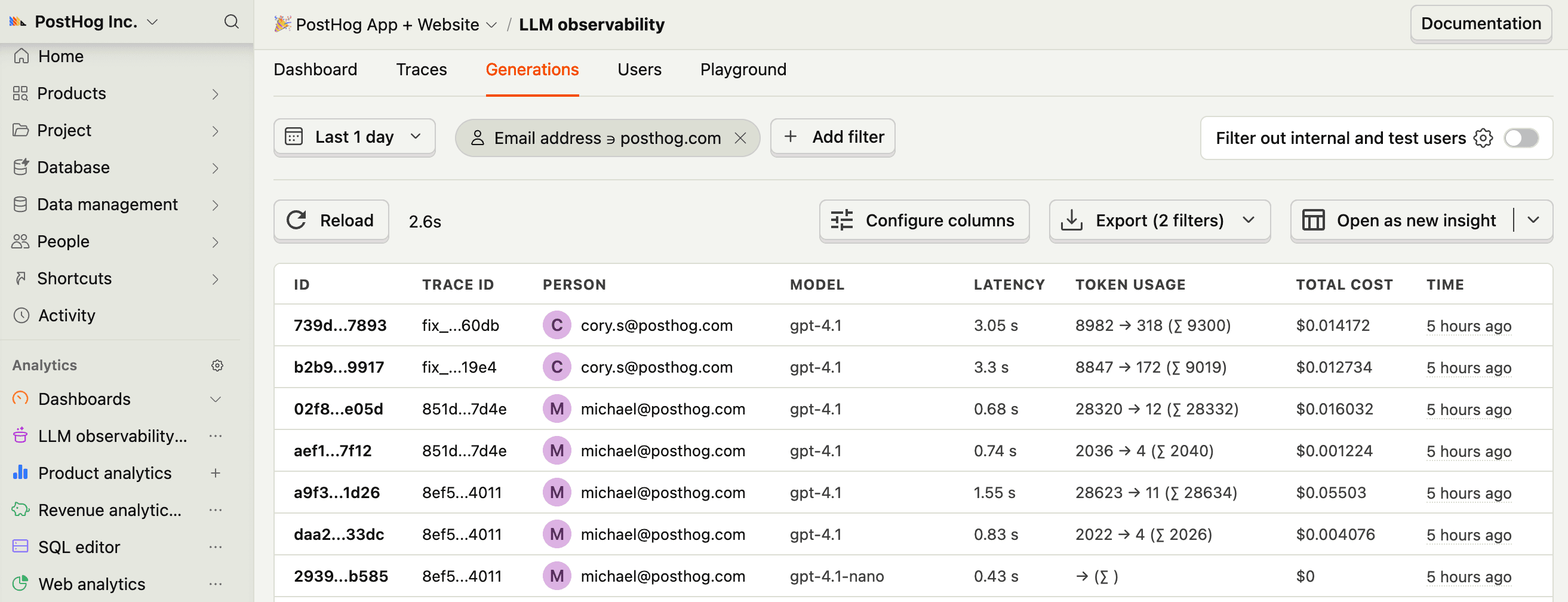
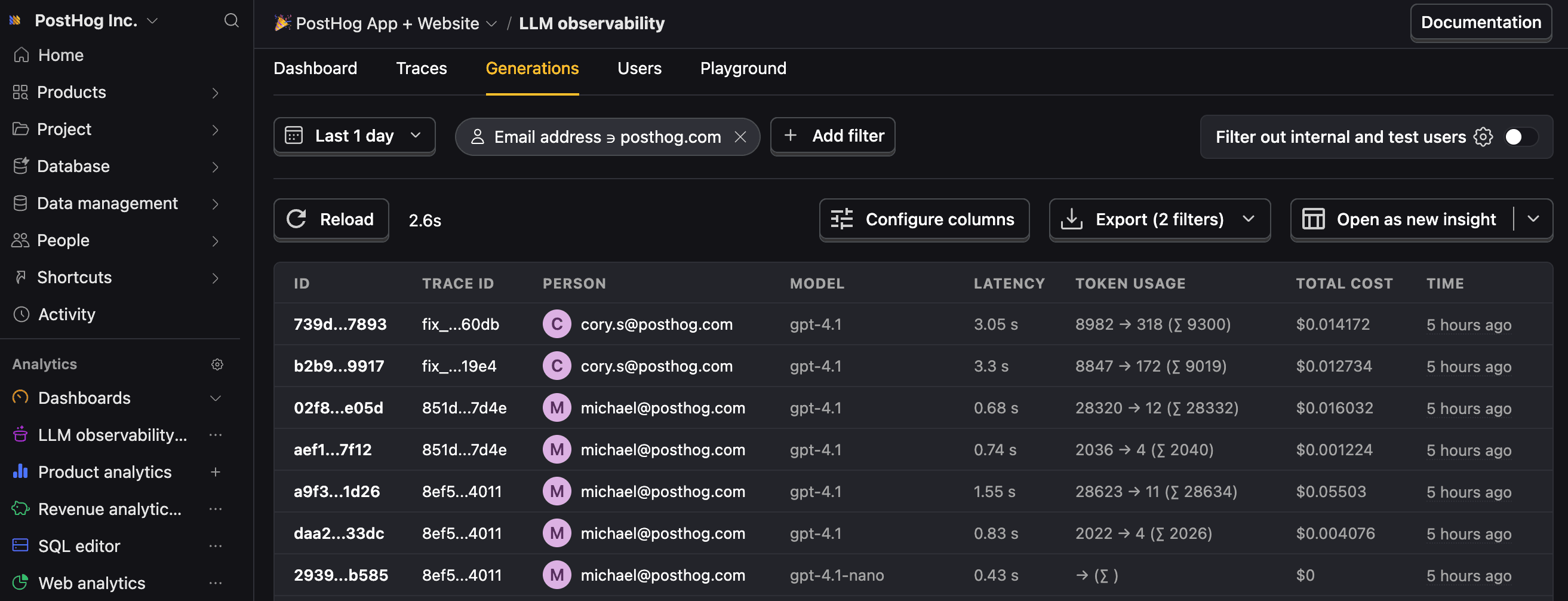
The plugin initializes and captures events for each LLM call, tool execution, and completed prompt.
- 5
Configuration options
OptionalConfigure the plugin with environment variables:
Variable Default Description POSTHOG_API_KEY(required) Your PostHog project token POSTHOG_HOSThttps://us.i.posthog.comPostHog ingestion host POSTHOG_PRIVACY_MODEfalseWhen true, the plugin does not send LLM content, prompts, or tool inputs and outputs. Token counts, costs, latency, and model metadata are still captured.POSTHOG_ENABLEDtrueSet to falseto disable the pluginPOSTHOG_DISTINCT_IDMachine hostname Distinct ID included in all events POSTHOG_PROJECT_NAMECurrent directory name Project name included in all events POSTHOG_TAGS(none) Custom tags added to all events in key1:val1,key2:val2formatPOSTHOG_MAX_ATTRIBUTE_LENGTH12000Maximum length for serialized tool input and output attributes Privacy mode
When
POSTHOG_PRIVACY_MODE=true, all LLM content, user prompts, tool inputs, and tool outputs are redacted. Token counts, costs, latency, and model metadata are still captured.The plugin always redacts sensitive keys matching terms such as
api_key,token,secret,password,authorization,credential, andprivate_key, regardless of privacy mode.What gets captured
The plugin captures three types of events:
$ai_generation: Each LLM call, including model, provider, token usage, cost, stop reason, and input and output messages in OpenAI chat format.$ai_span: Each tool execution, including tool name, input parameters, output result, duration, parent generation, and error details. Learn more about spans.$ai_trace: Each completed prompt, including aggregated token totals, latency, input and output state, and error status. Learn more about traces.
- 6
Next steps
RecommendedNow that you're capturing AI conversations, continue with the resources below to learn what else AI Observability enables within the PostHog platform.
Resource Description Basics Learn the basics of how LLM calls become events in PostHog. Generations Read about the $ai_generationevent and its properties.Traces Explore the trace hierarchy and how to use it to debug LLM calls. Spans Review spans and their role in representing individual operations. Anaylze LLM performance Learn how to create dashboards to analyze LLM performance.